 CleanYourTV
CLEANYOURTV · Projectivy upgrade guide
Projectivy Launcher Premium: what to check before upgrading
Projectivy Launcher Premium is an optional, one-time upgrade for extra personalization and family features. The core launcher is free. Start by naming the change you want: a simpler Home, your own background, different app artwork, imported themes or parental controls. That requirement determines whether paying adds something useful.
This independent CleanYourTV guide compares the documented features and official buying routes, reviewed on October 22, 2026. Projectivy is developed by Spocky. Our separate US$19 self-service installation kit does not include Projectivy Launcher Premium, its license or developer support. We have not purchased or activated a license for this article.
Projectivy Launcher Premium features compared with free
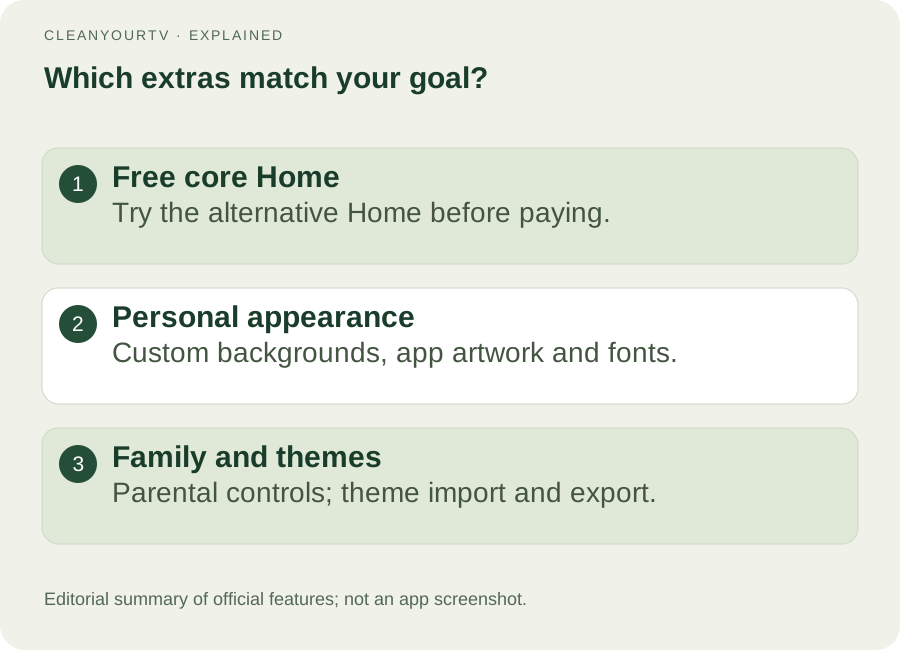
The official website and FAQ describe the core experience as free, with an optional paid upgrade. You can evaluate the alternative Home before buying. The Google Play description also separates the main launcher from Premium extras.
Use this Projectivy Launcher Premium vs free comparison to match your goal to the documented feature:
| Your goal | Free core or paid extra? | What to check |
|---|---|---|
| Open apps from an alternative Home | Free core experience | Try the interface and basic organization first |
| Use personally selected pictures, animations or videos as backgrounds | Premium customization | Check supported media in your current version |
| Replace app-card artwork with your own images or icon packs | Premium customization | Confirm the artwork you want is suitable |
| Use advanced fonts and download from Google Fonts | Premium typography | Font downloading is labeled Premium in version 4.70 |
| Use parental controls | Premium family features | Review the current controls for your household |
| Import or export appearance themes | Premium theme feature | Version 4.70 documents theme import and export |
The 4.70 release notes clarify the theme and Google Fonts entries. They do not make every layout setting a paid feature. Older forum tables sometimes give specific free limits; we have not verified those limits against current official documentation, so they are excluded here.
Buying Projectivy Launcher Premium is also separate from advertising inside streaming apps. A different Home does not change a video service’s advertisements, subscriptions or playback rules.
Check the price on your chosen purchase route
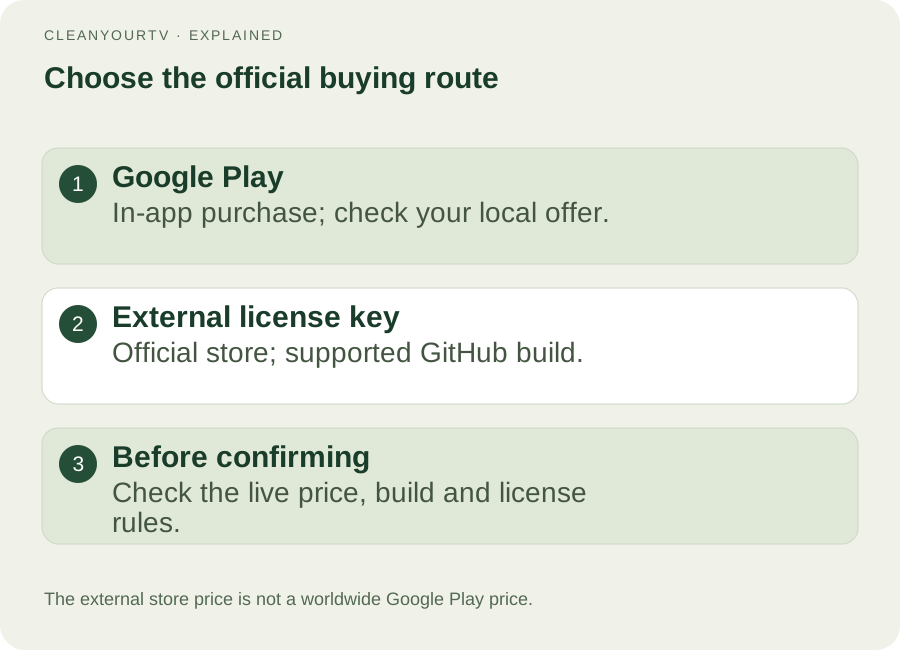
For Projectivy Launcher Premium price information, use the offer you can actually buy. Google Play identifies an in-app purchase, but its public listing does not establish a universal local amount. Check the price shown inside the official app for your account and region before confirming.
The developer also links an official external-license store. On October 22, 2026, its public product page displayed €6.99. That is a dated observation of the external offer. It is not a worldwide Google Play price or a verified checkout total. We did not complete checkout or verify taxes, currency conversion or payment.
The official FAQ describes a one-time upgrade rather than a subscription. Before buying Projectivy Launcher Premium, check the live amount, installation source and license model together. A lower-looking price is unhelpful if the current build cannot accept that purchase route.
Match the purchase route to your installed version
The usual Google Play route to Projectivy Launcher Premium is an in-app purchase using Google Play services, with a Google account configured on the device. The official FAQ also describes purchasing through Projectivy on a smartphone using the same Google account when buying on the TV is difficult. Follow its current instructions; this does not guarantee that every device or region can complete a payment.
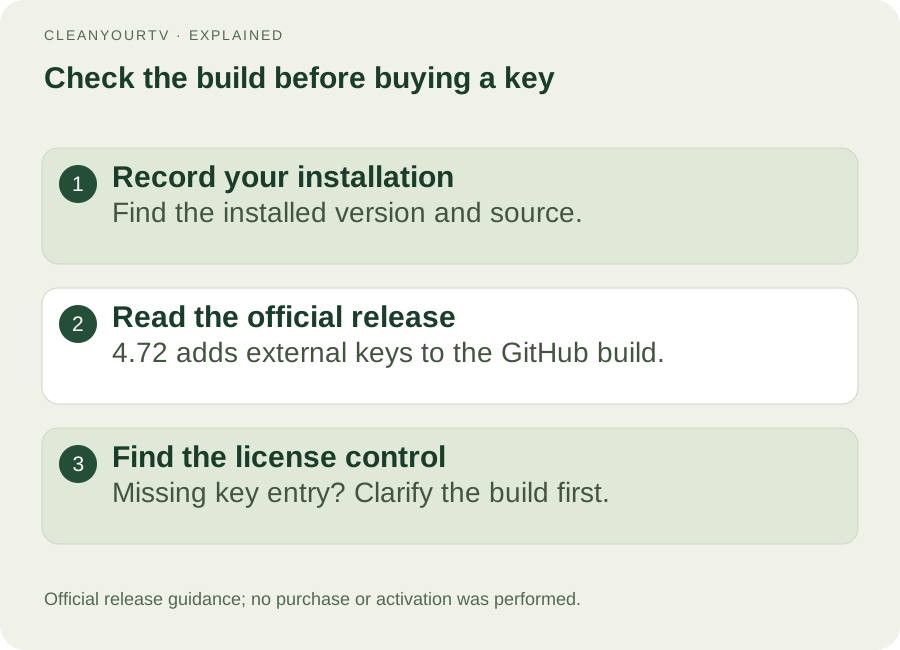
For an external key, establish compatibility before paying. The official 4.72 release notes specifically introduce external-license support for the GitHub version. Do not assume an older build or the Google Play distribution has the same License Key control.
Record your version and installation source, then consult the current official release and licensing instructions. If the expected key entry is missing, clarify the supported build with the developer first. The official repository provides releases and issue tracking; use those links rather than third-party “Premium APK” downloads.
Keep Google Play and external activation rules separate
The two routes to Projectivy Launcher Premium use different entitlement rules. The official FAQ describes Google Play purchases as applying to devices signed into the same Google account. Do not apply the external key’s five-installation rule to that purchase, or assume it establishes cross-account transfer or family sharing.
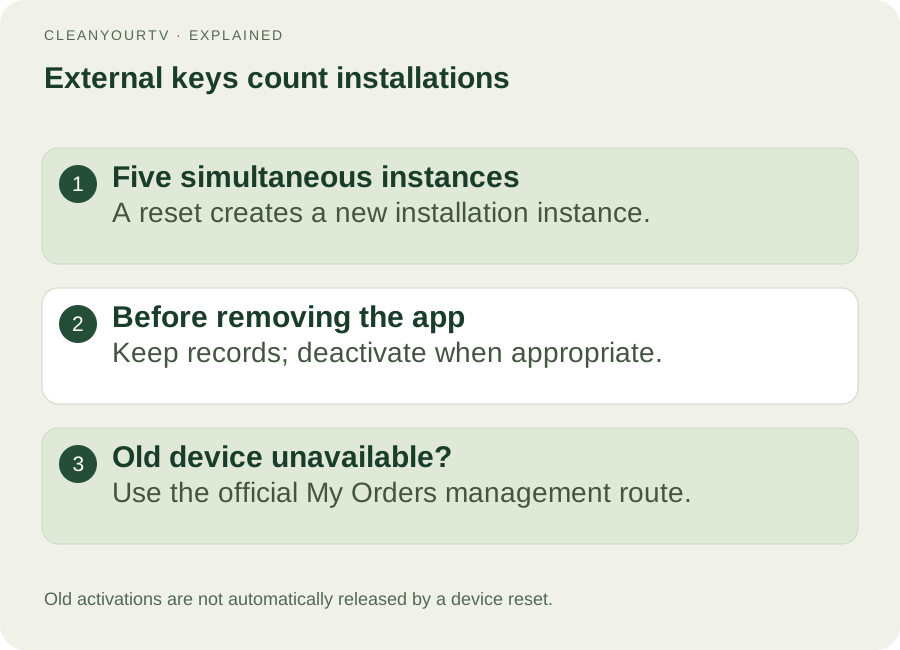
An external lifetime license allows up to five simultaneous installations. An installation instance is not permanently the same thing as a physical television. Clearing app data or performing a factory reset creates a new instance; the old activation is not automatically released.
Before removing a working Projectivy Launcher Premium installation, keep your settings and order records and release the activation when appropriate. The developer documents this route: Projectivy Settings → About → Getting Premium → Manage License Key → Deactivate on this device. Check the current app and FAQ because labels can differ between versions.
If the old device is unavailable, the FAQ directs users to Lemon Squeezy’s My Orders management route. A reset does not mean an activation is permanently lost or that another purchase is immediately necessary. Keep the key private and use the official management controls.
Choose a next step from the problem you have
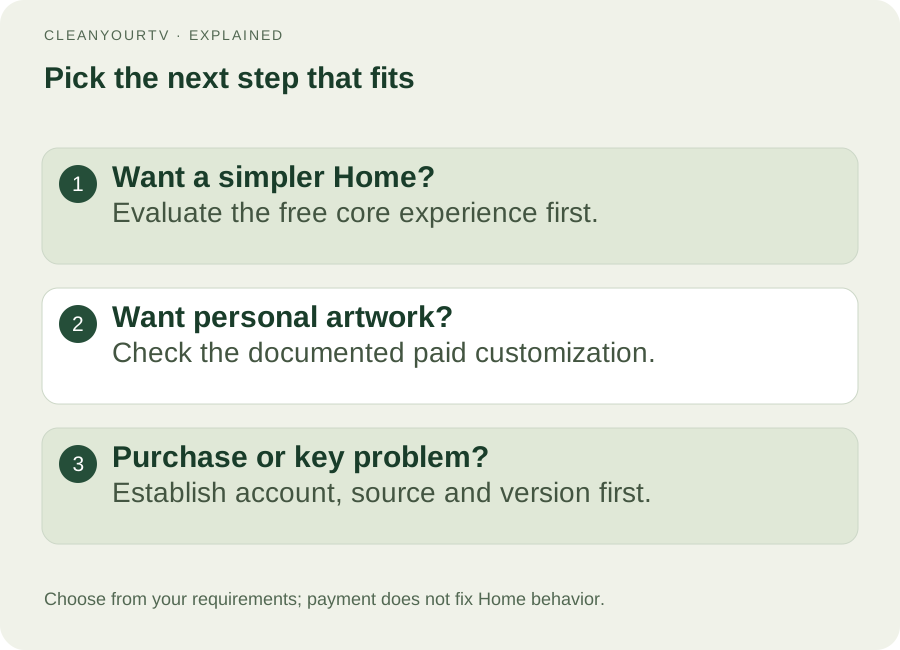
Three examples make the choice clearer. If your only goal is easier access to streaming apps, evaluate the free Home first. If you want personal photographs, customized app cards or imported themes, those are specific Projectivy Launcher Premium features to check. If you cannot find a key menu or an existing purchase is not recognized, establish the source, version and account before spending again.
For a purchase problem, distinguish payment failed from payment succeeded but the upgrade is missing. Save the exact message and installation details. The official FAQ recommends checking the account, updating the device and restarting, and provides the same-account phone route. These are support checks, not guaranteed repairs. Avoid repeated purchases or clearing data just to copy an old forum suggestion.
Once the buying decision is settled, use our Projectivy setup guide for appearance and organization. For a broader choice between launcher apps and our separate installation kit, read the Android TV launcher comparison.
Frequently asked questions
Is Projectivy Launcher Premium a subscription?
The official FAQ describes a one-time upgrade. For an external purchase, it describes a lifetime license with up to five simultaneous installation instances. Review the current offer before buying; the two routes have different entitlement rules.
Does Projectivy Launcher Premium fix the Home button?
Payment unlocks the documented extras. It does not guarantee that a manufacturer allows replacement Home behavior or that an accessibility service stays active after an update. Check the developer’s current device guidance separately from the purchase decision.
Is Premium included in CleanYourTV’s US$19 kit?
No. CleanYourTV’s kit is a separate product with its own launcher and setup materials. Buy Projectivy’s upgrade only through its official routes if you choose that product.
Can I use the same external key after resetting my TV?
The FAQ explains that resetting creates a new installation instance. Release the previous activation through the app when possible, or use the documented order-management route if that installation is no longer accessible. Check your available activations before trying again.
INDEPENDENT READING
Choose the next step for your TV.
Projectivy, Google TV and CleanYourTV are separate products. Follow the relevant official instructions; a CleanYourTV purchase does not include a third-party licence.
Compare TV launcher options →Check TV compatibilityUnsuccessful use? Discuss a refund by email.
Sources and review notes
Projectivy: official features and licensing FAQ ↗Projectivy: official Google Play listing ↗Projectivy 4.72: external licenses for the GitHub version ↗Projectivy 4.70: Premium fonts and themes ↗Projectivy: official external-license store ↗Projectivy: official releases and issue tracking ↗Official feature, purchase and licence information reviewed October 22, 2026. Prices and purchase conditions can change. No purchase or licence activation was performed for this independent comparison.