 CleanYourTV
START WITH YOUR TV
Your TV. Ready for a fresh start?
Find the system and version in Settings → About. The same brand can ship different operating systems and regional firmware.
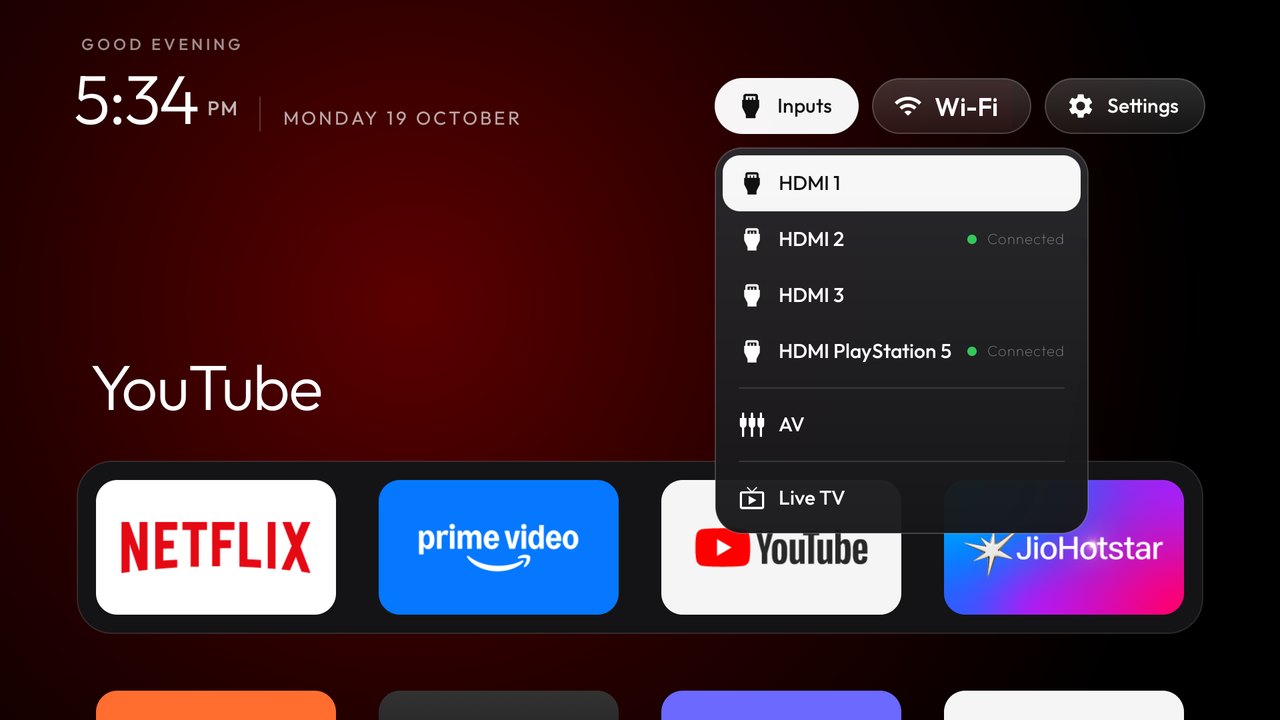
Prepare a Windows PC or Mac, your remote and a shared local network. This check covers setup requirements; it does not certify a particular model.
INTERACTIVE DEMO · SAMPLE DEVICE
Try the setup flow before you buy.
This preview uses sample responses. It does not connect to a TV or change any device.
Check my setup →- 01Check my setup
- 02Simulate installation
- 03Simulate restore
INTERACTIVE DEMO · SAMPLE DEVICE
Check my setup
First, the assistant checks the connection, Android version and original Home. No TV changes are made at this stage.