 CleanYourTV
CLEANYOURTV · Choose your TV home
Choose an Android TV launcher without ads
An Android TV launcher without ads changes the screen you return to when you press Home. The useful choice depends on what you want there: a small set of familiar apps, more control over categories and backgrounds, or a guided installation package. Start with that goal before comparing screenshots or downloading another APK.
A launcher controls its own interface. It does not remove advertising from every streaming application or promise to change every manufacturer's startup screen. Here, “without ads” means a home-screen experience designed around your applications rather than promotional placements. Check the specific product's current description and the behavior on your device.
Decide which screen you want to change
There are several places where advertising or recommendations can appear: the TV manufacturer's startup experience, the home screen, and the inside of a video app. An Android TV launcher without ads mainly addresses the middle one. If your frustration happens during video playback, identify the service responsible before changing Home.
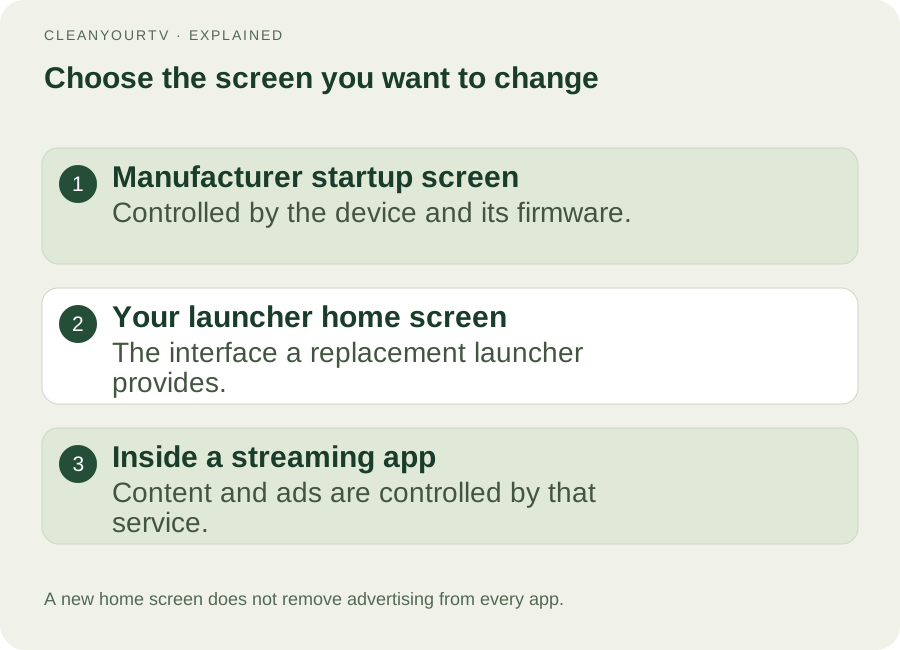
Also identify the operating system. Android TV and Google TV are the relevant platform family here. A Samsung television with Tizen or an LG television with webOS cannot install an Android launcher directly. An attached Android TV box can be a separate compatible device, but you would change that box's home screen.
Our compatibility check helps you collect the system version and installation requirements. For CleanYourTV, the current kit targets Android 8 or later with a supported debugging connection. A supported version is a prerequisite, not evidence that every model or regional firmware behaves identically.
Compare the kind of solution, not just its appearance
You do not need a replacement launcher for every complaint about recommendations. Google TV's built-in apps-only mode can hide personalized Home suggestions with a reversible account setting, although sponsored material may remain and some features become unavailable.
For an Android TV launcher without ads, compare three things together: the features you will use daily, the work needed to install and select it, and the route back to the original interface. This prevents a beautiful screenshot from hiding a setup that does not fit your device or household.
| Option | Useful starting point | What to check |
|---|---|---|
| Google TV apps-only mode | Fewer personalized Home recommendations without installing another app | Sponsored content can remain; Search and Assistant are limited |
| Projectivy Launcher | Categories, channels, backgrounds and other customization listed by its developer | Current free/premium features, permissions and Home behavior |
| Monet | A TV launcher whose store listing describes a free core and optional purchase | Current listing, supported features and device behavior |
| CleanYourTV self-service kit | A calmer launcher packaged with desktop install assistants and pictured instructions | Android version, debugging connection and the US$19 one-time package |
These are different offers. The table is based on official feature descriptions and our current product, not a claim that we have physically benchmarked every option on your television.
Check the home screen and the shortcuts you use
An Android TV launcher without ads should make your normal routine easier. Pick three applications you use frequently and ask how many remote actions it takes to reach them. Consider who else uses the television and whether they will recognize the icons and navigation.
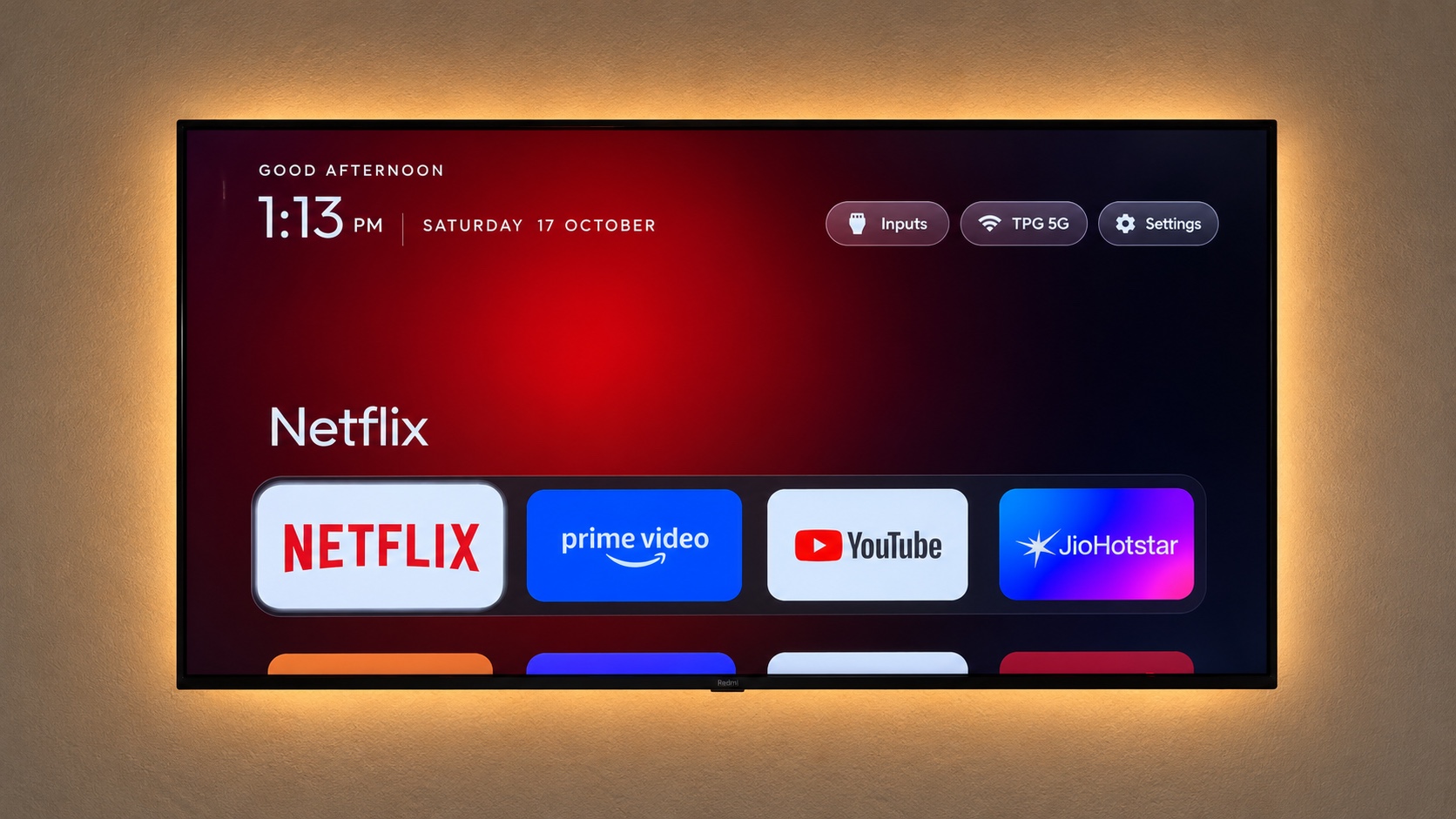
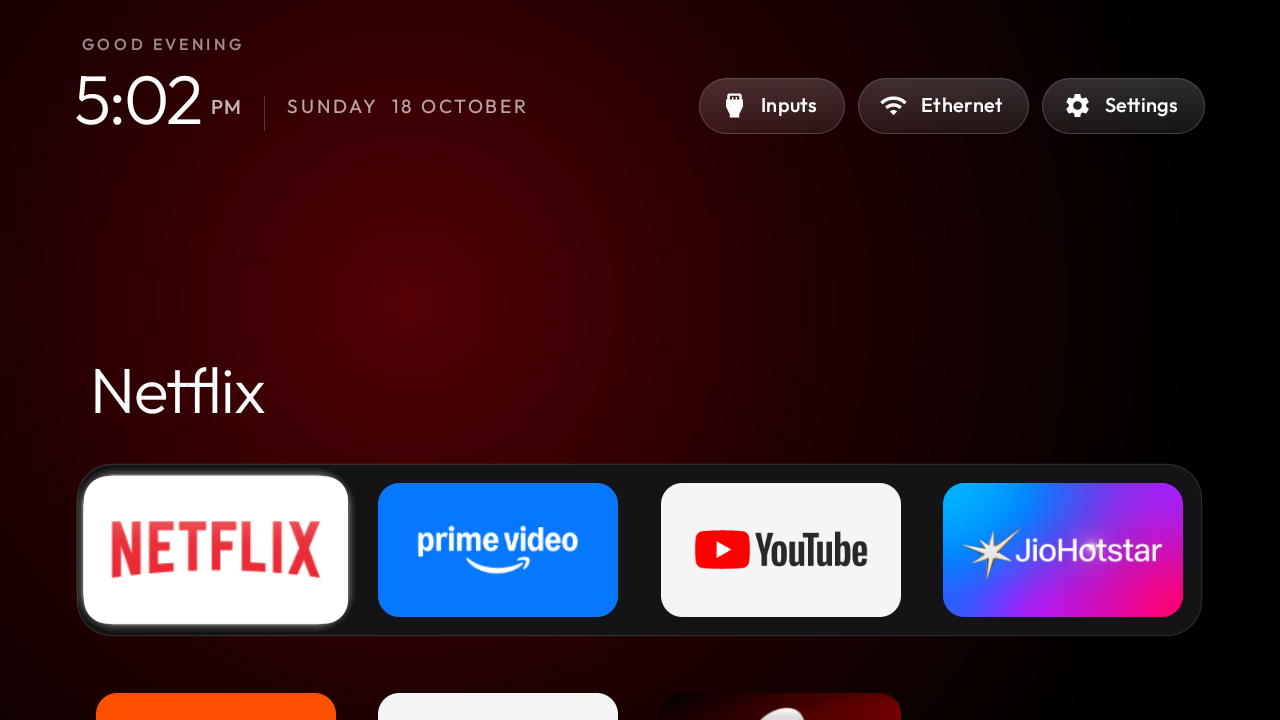
CleanYourTV provides a home interface with shortcuts, an application grid, backgrounds and access to input choices. Its appeal is a direct starting point and a setup package that keeps the instructions with the tools. Choose it because that combination fits your needs, not because a launcher can alter every screen on the television.
If you prefer channel rows, many layout controls or a particular wallpaper workflow, review alternatives against those requirements. Projectivy's official store page describes its categories, channels, wallpaper and input features. Check which functions currently require its premium purchase rather than relying on an old price quoted in a forum.
Make sure your apps will appear and work
A cleaner layout is only useful when it can open the applications you need. Check the full application grid, the favorites row, focus movement with the remote, and the return path after closing an app.
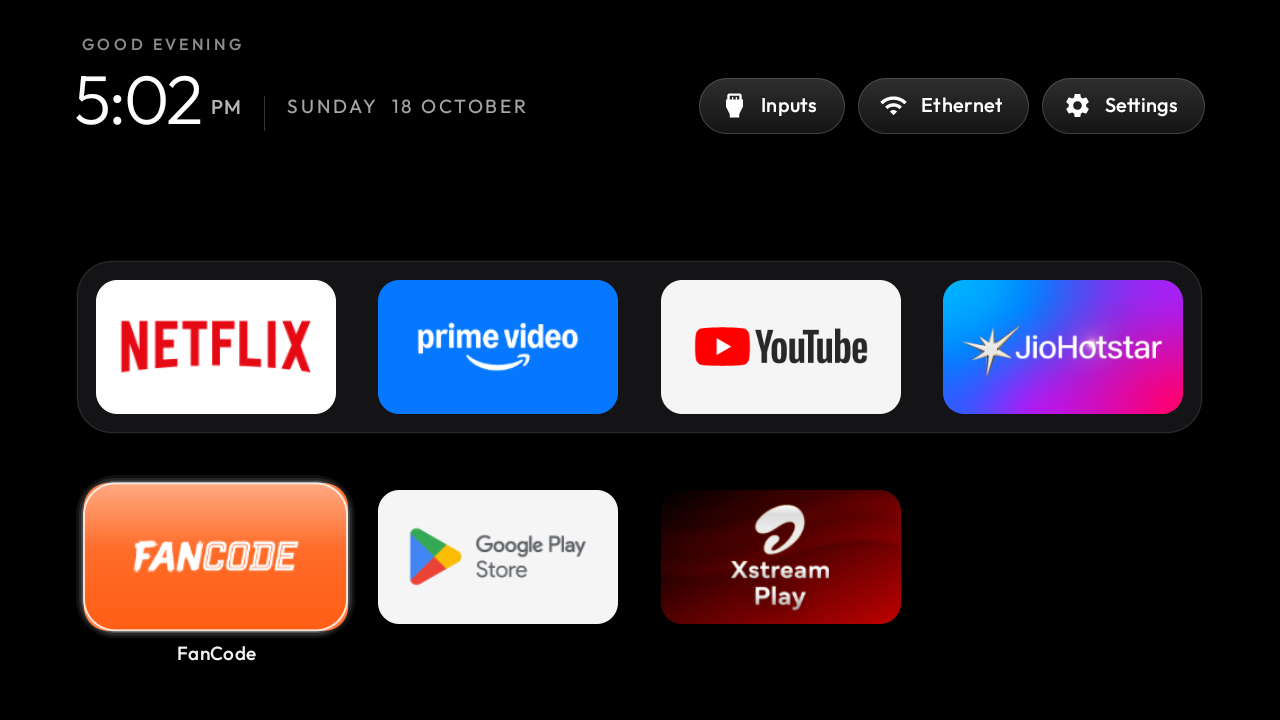
Some sideloaded phone APKs do not provide a TV launcher entry. CleanYourTV currently discovers applications through the television-oriented entry, so it does not promise to display every phone package. If that is your problem, follow the missing-app checklist before choosing a new launcher.
An Android TV launcher without ads also cannot add remote-friendly controls to an application designed for touch. Being able to start the app and being able to operate it comfortably are separate checks. Prefer software officially supported for your television platform.
Test inputs, Home and the restore path
Do you switch between streaming apps and a console, cable box or another HDMI source? Look at how a launcher exposes those everyday routes, and verify the controls offered by your particular television.
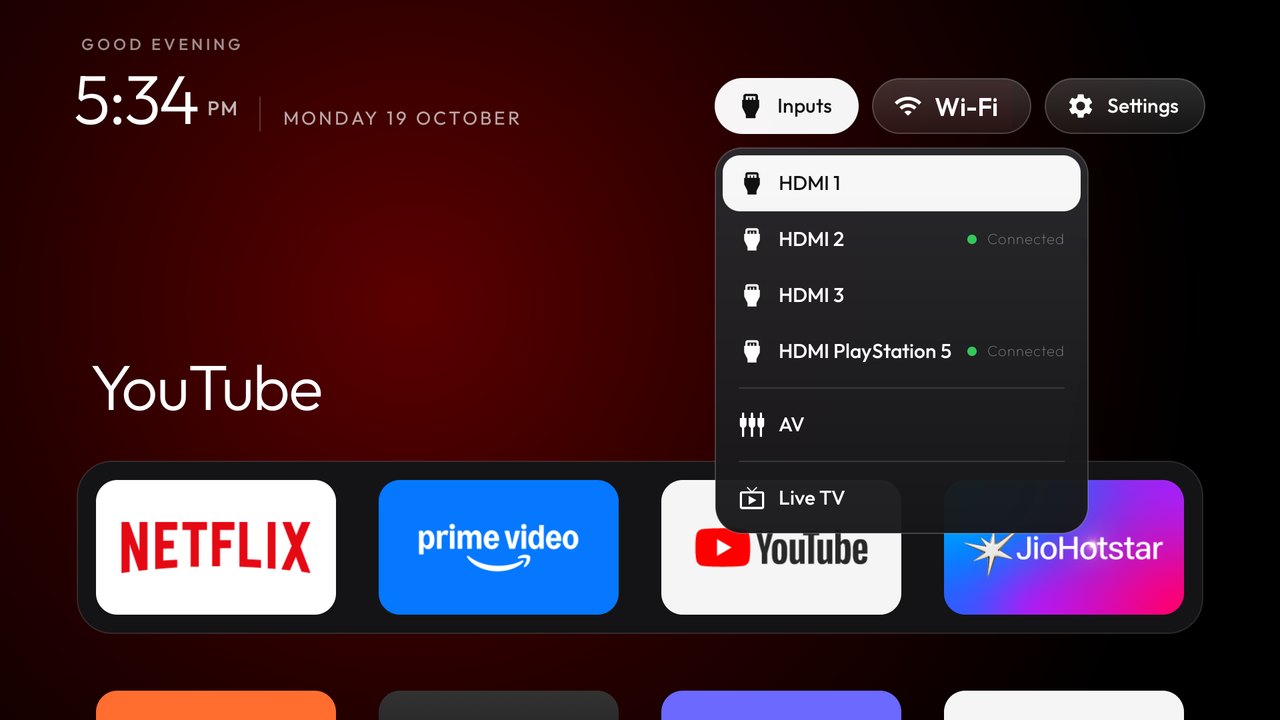
Opening a launcher manually does not necessarily make it the Home destination. Installation restrictions and firmware influence the supported setup process. Keep your original configuration, then check Home and a normal restart after making a change.
The default launcher guide explains the CleanYourTV workflow and recovery checks. Keep a usable route to Settings and the saved restore record. An Android TV launcher without ads is more useful when you understand how to switch back, especially on a shared family television.
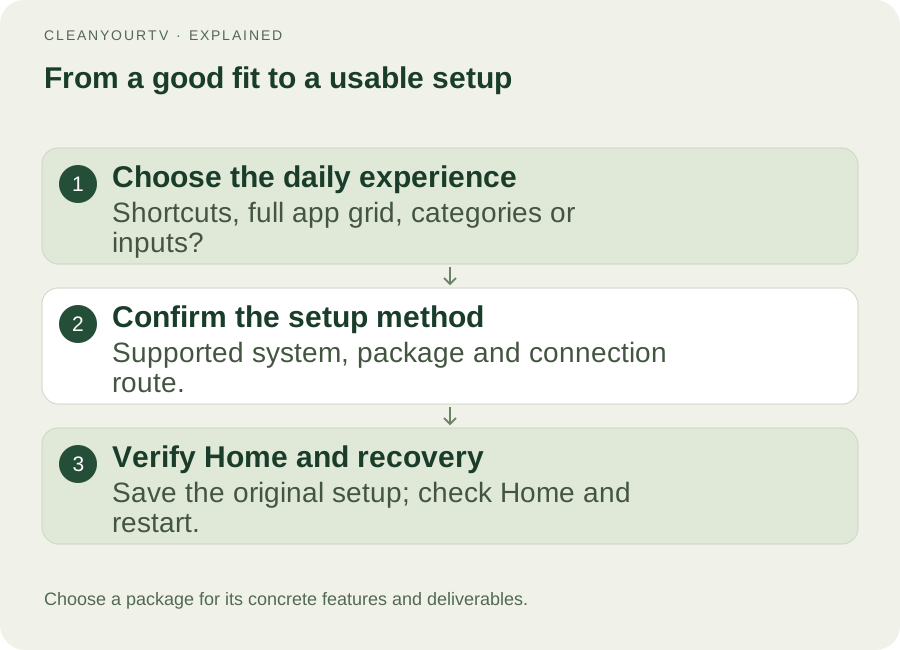
What a paid installation package adds
A free launcher can be a good fit when you are comfortable choosing the correct download and completing its supported setup. The price of a paid package should correspond to specific deliverables you want. Our CleanYourTV product guide explains how its interface, computer tools and pictured instructions fit together.
CleanYourTV's US$19 one-time self-service kit includes its launcher APK, Windows and Mac installation assistants, pictured guides and restore instructions. The assistant helps with the supported computer-to-TV workflow and saving the original configuration. This first package is self-service; it does not include a scheduled remote installation session or streaming subscriptions.
Before buying an Android TV launcher without ads as part of a kit, check the device requirements and how the package is delivered. If use is unsuccessful, contact us by email to discuss the problem and a refund. That policy addresses unsuccessful use; it is not described as an unconditional seven-day trial.
Choose by your actual goal
For fewer personalized recommendations without another installation, start with Google TV apps-only mode. For detailed categories and customization, compare the current official Projectivy and Monet descriptions. For CleanYourTV's interface together with computer assistants and pictured setup guidance, consider the self-service kit.
Is there one best Android TV launcher without ads?
There is no single answer that follows from a screenshot. Your preferred layout, supported device, installation method and daily controls determine the fit. A recommendation should explain those conditions rather than assume everyone wants the same set of features.
Can I use a modified APK from a download post?
Prefer the developer's official distribution. A modified package can differ in signing, update path and behavior from the app being discussed. Third-party packages are not part of the CleanYourTV kit, and a download post's “ad-free” label is not a verified description of the official release.
Will an Android TV launcher without ads remove YouTube ads?
Changing Home does not change YouTube's playback or subscription features. A launcher can give you a calmer route into an app; the app controls its own content. Make that distinction before paying so the product you choose matches the problem you actually want to solve.
ONE KIT. ONE PAYMENT.
Your calmer home, with a clearer setup.
Get the CleanYourTV self-service kit for US$19, paid once: the TV launcher, Windows and Mac assistants, pictured guides and restore instructions. Check your device, then follow the setup steps.
Check TV compatibilityUnsuccessful use? Discuss a refund by email.
Sources and review notes
Google: apps-only mode and its limits ↗Projectivy Launcher: official store listing ↗Monet: official store listing ↗Official guidance and current product capabilities reviewed October 20, 2026. Menus vary by model, region and firmware. Diagrams explain the steps; they are not evidence of a physical test on a particular TV.